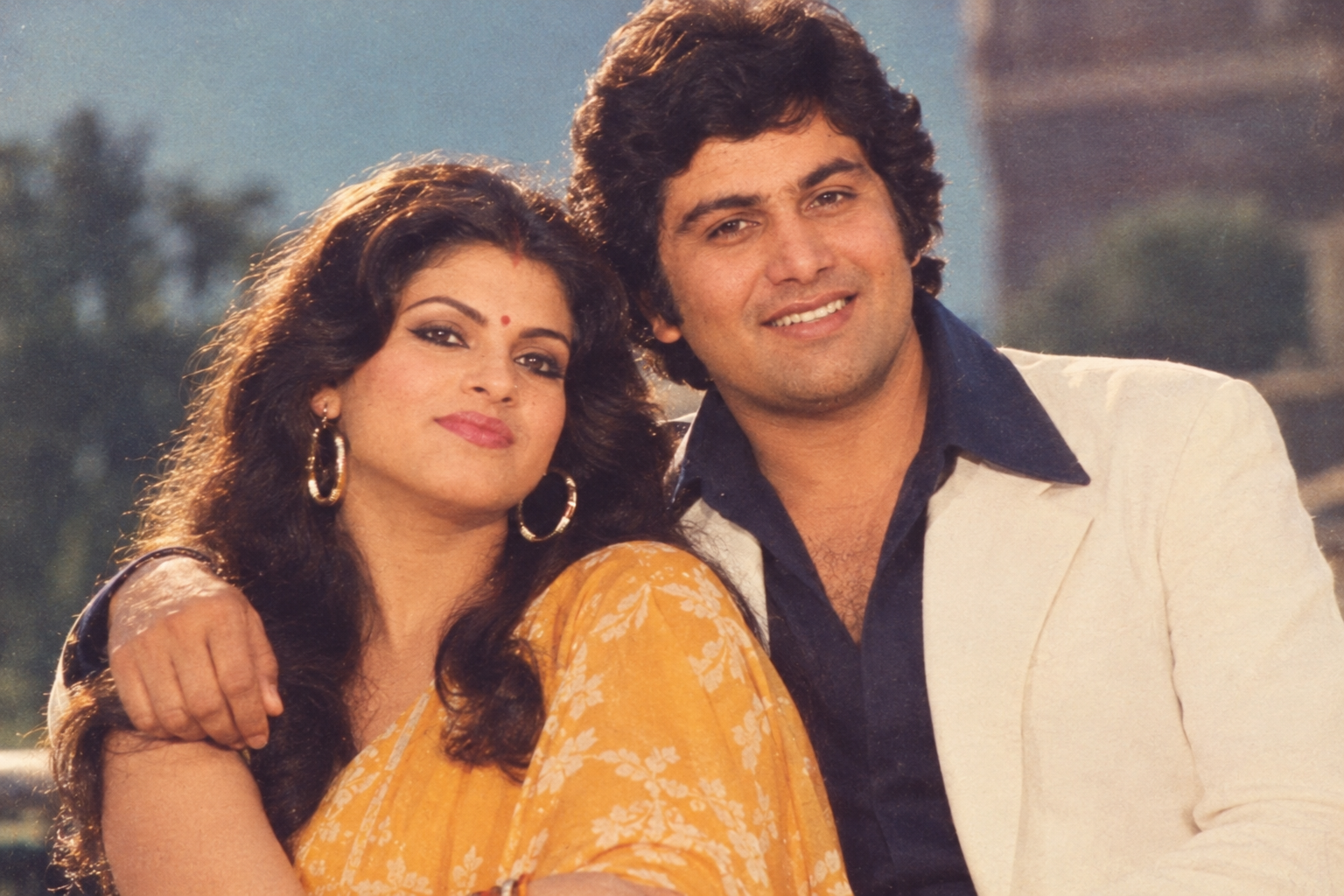
If your Instagram feed has suddenly turned into a time machine, you’re not imagining it. The internet’s latest obsession is the 1980s AI photo trend, a viral challenge where people upload a current selfie and ask ChatGPT (or Google Gemini) to reimagine them as if they’d stepped out of a 1987 photo studio. Think permed hair, denim jackets, neon backdrops, and that unmistakable grainy film finish. It’s nostalgic, shareable, and — best of all — free to try with tools most people already have on their phones.
Here’s everything you need to know about the trend, why it’s exploding right now, and the exact prompts you can copy-paste to get your own retro glow-up.
Why the 80s AI Photo Trend Is Going Viral
This isn’t the first AI-image trend to sweep social media — remember the AI Yearbook look or the Studio Ghibli-style portraits? The 1980s trend taps into the same formula: low effort, high payoff, and instant nostalgia. Users simply upload one clear photo, and within seconds AI tools generate a portrait that mimics the analog film aesthetic, feathered hairstyles, shoulder pads, and mall-studio lighting of the decade.
Part of the appeal is emotional. People are comparing their AI-generated “80s selves” with real photos of their parents at the same age, sparking thousands of nostalgic comment threads. It’s also incredibly easy — no separate app download is required since both ChatGPT and Gemini can handle image generation directly in a chat window.
How to Create Your Own 1980s AI Photo
Getting the retro look right comes down to one thing: prompt precision. A vague request like “make me look like the 80s” often distorts your face or invents an unrecognisable version of you. Detailed prompts, on the other hand, preserve your identity while transforming the styling, wardrobe, and photo texture around you.
Step-by-step process
- Pick the right photo. Use a sharp, well-lit, front-facing photo where your face is fully visible. Avoid heavy filters or side angles — the AI relies on facial detail to keep your likeness accurate.
- Upload it to ChatGPT or Gemini. Tap the attachment icon, add your photo, and pair it with a written prompt.
- Use a detailed instruction, not a generic one. Specify hairstyle, clothing, lighting, and film grain so the AI doesn’t take creative liberties with your face.
- Review and refine. If the first result changes your features too much, ask the AI to keep your face identical and adjust only the styling, background, or outfit.
- Download and post — ideally alongside your original photo for the classic “then vs now” comparison that’s fuelling the trend.
Sample ChatGPT Prompts to Try
- “Using this photo as reference, create an ultra-realistic portrait of me as if it were taken in 1987. Keep my facial features and identity exactly the same, but add a voluminous 80s hairstyle, authentic period clothing, and a 35mm analog film look with natural grain and slightly faded colours.”
- “Recreate this photo as a studio portrait from the 1980s. Preserve my exact face and expression, and add shoulder-padded clothing, bold makeup, a permed or voluminous hairstyle, and soft studio lighting with a gradient backdrop.”
- “Transform this photo to look like it was taken in the 80s. Keep my identity intact, but update the hairstyle, outfit, and makeup to match the decade, and add a vintage photographic finish with warm, slightly muted tones.”
- “Give me a yearbook-style 1980s portrait using this photo. Retain my facial structure, add feathered hair, a denim jacket, and neon-toned studio lighting typical of that era.”
Feel free to tweak details like the exact year, hairstyle, or wardrobe to make the result feel more personal.
A Quick Word on Privacy
Before you jump in, keep a few sensible precautions in mind. Avoid uploading images that show visible personal documents, addresses, or identifying details in the background. It’s also wise to use a cropped or lower-resolution version of your photo rather than the original, and to never upload pictures of other people without their consent. As with any AI tool that processes personal photos, understanding how your data is stored is worth a quick check before you hit send.
Final Thoughts
The 1980s AI photo trend is a fun, low-effort way to experience a decade many of us only know through old family albums and movies. With the right prompt, tools like ChatGPT and Gemini can turn an ordinary selfie into a nostalgic, shareable keepsake in seconds. Whether you’re doing it for a laugh, a genuine trip down memory lane, or just to keep up with your Instagram feed, all it takes is one good photo and a well-written prompt to join the trend.
Looking for more trending AI prompt guides and social media trend explainers? Explore more stories like this on Yonopress.